 AIO Media Server Manager
Your whole media stack. One install.
Downloads, *Arr apps, and streaming — supervised from a single dashboard. No Compose file full of Sonarr, Radarr, and qBittorrent containers.
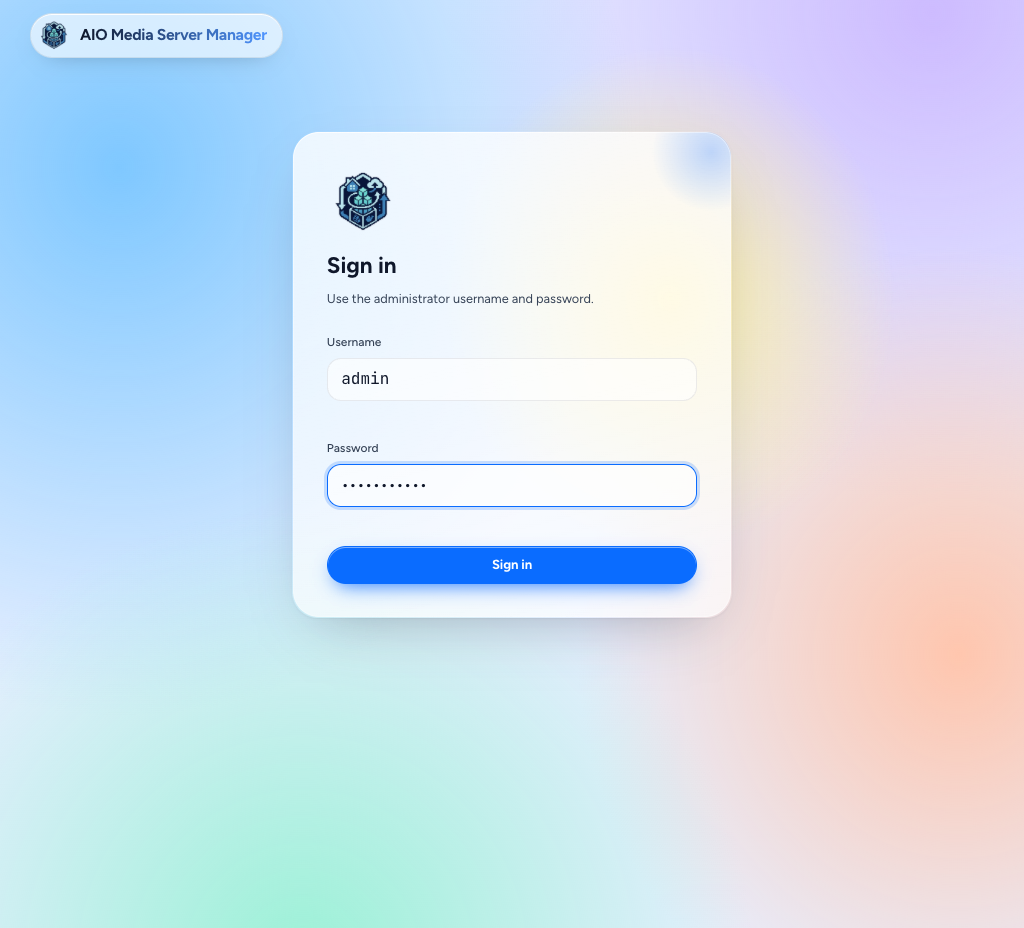
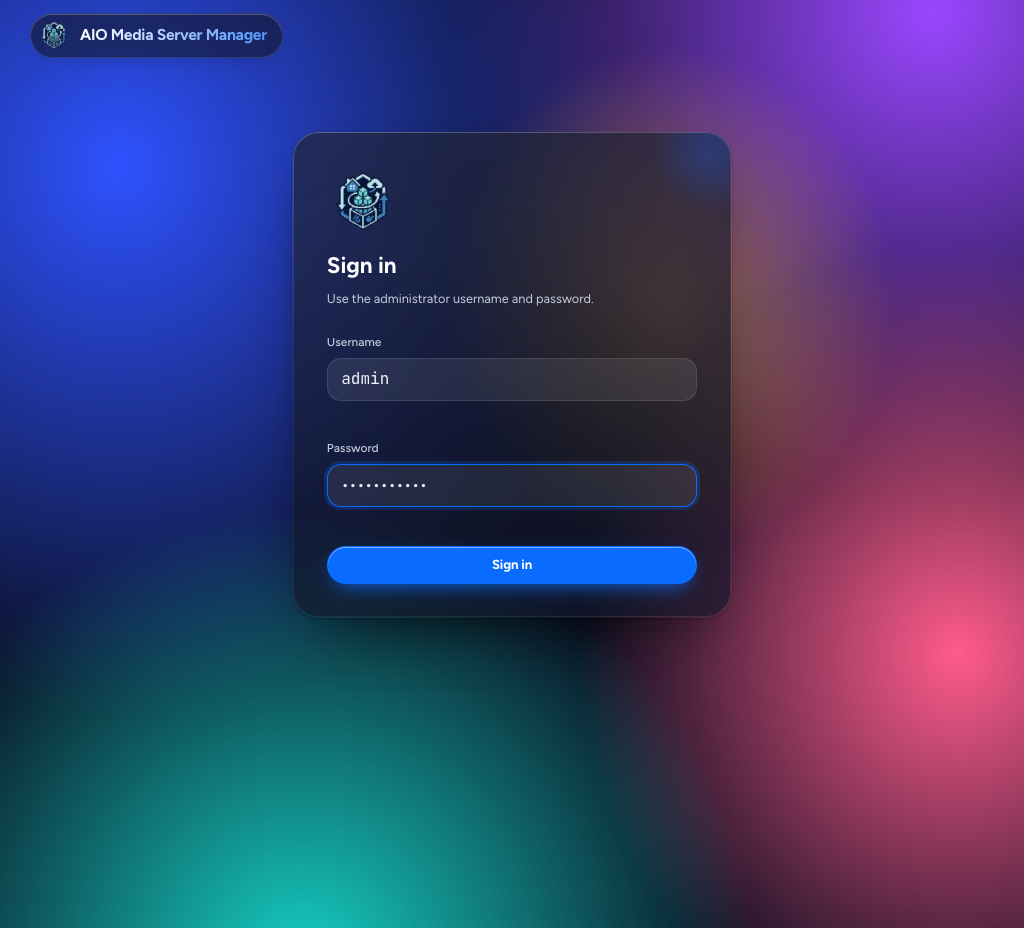
Sign-in — light and dark.
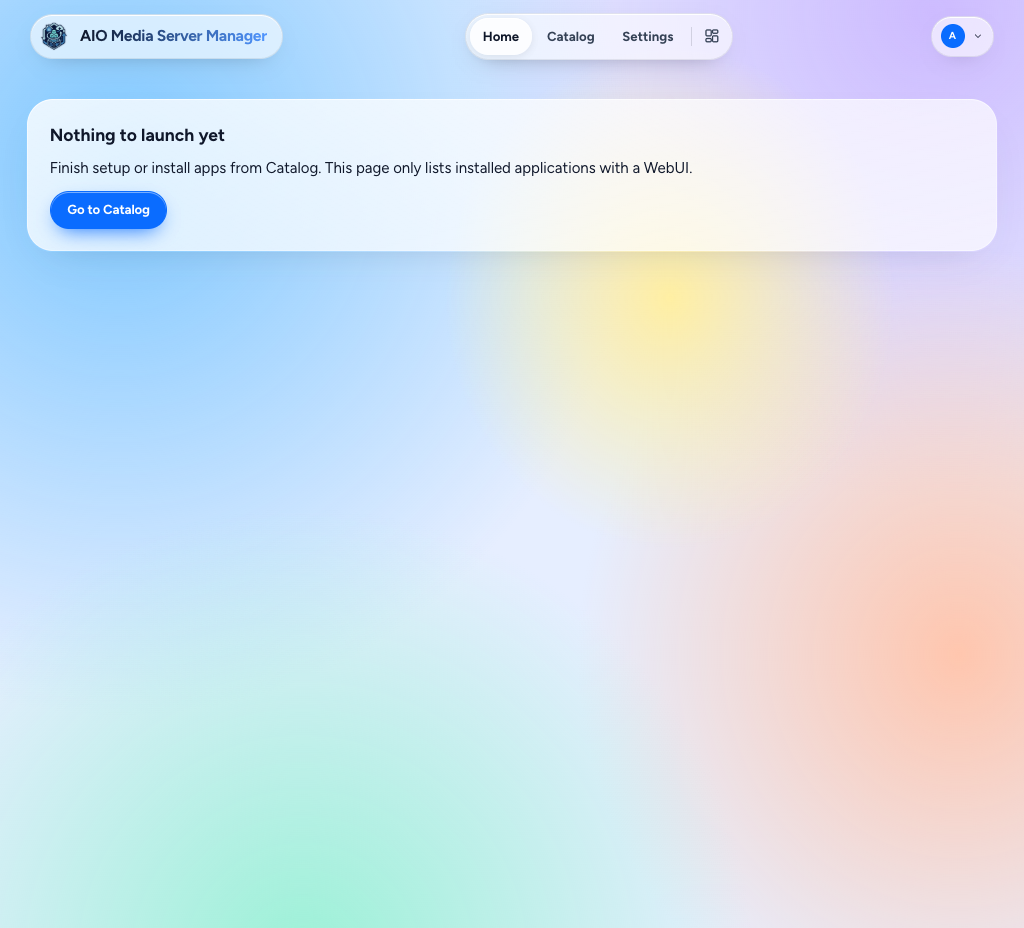
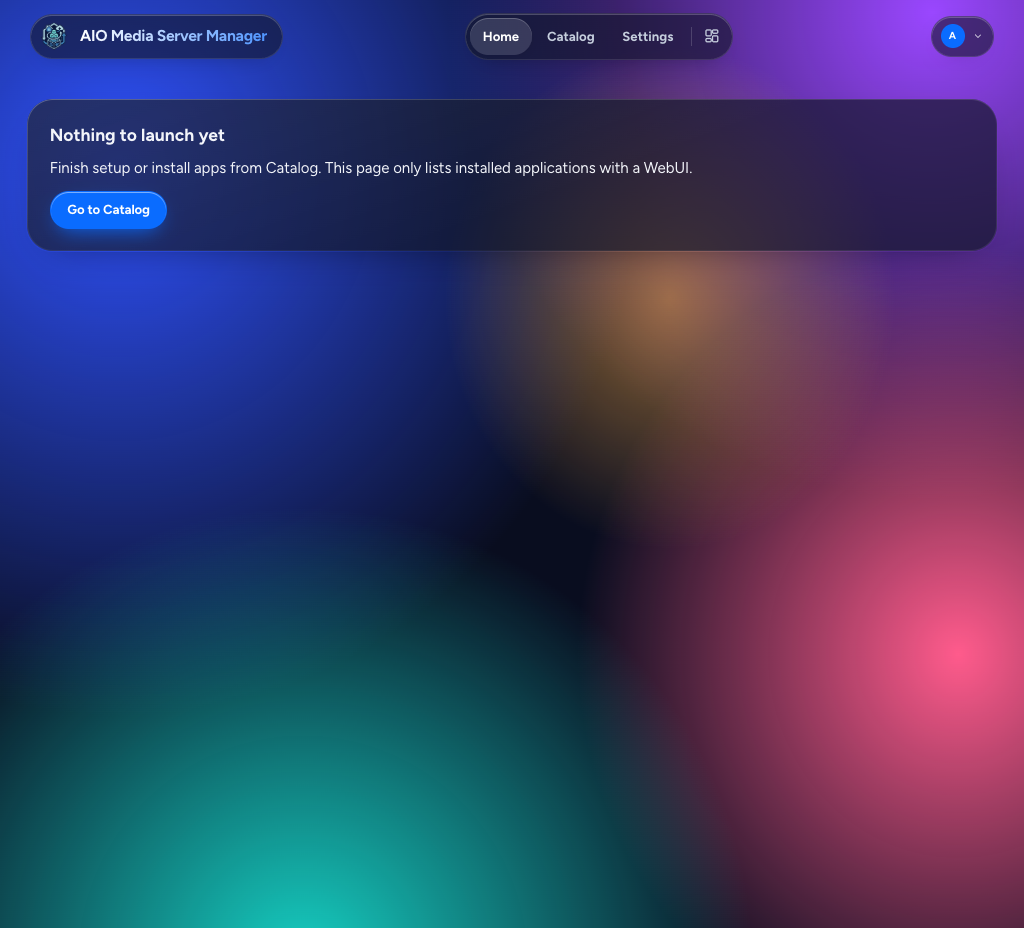
Home before any apps with a WebUI are installed.
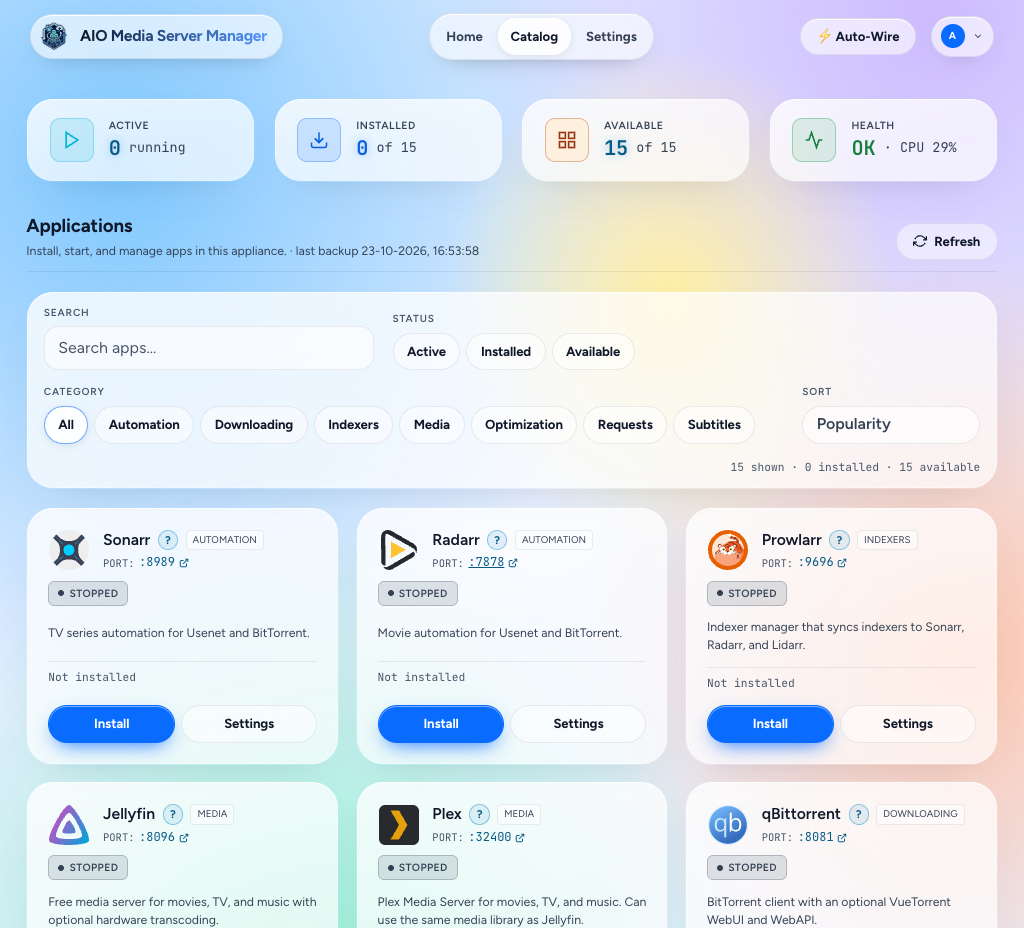
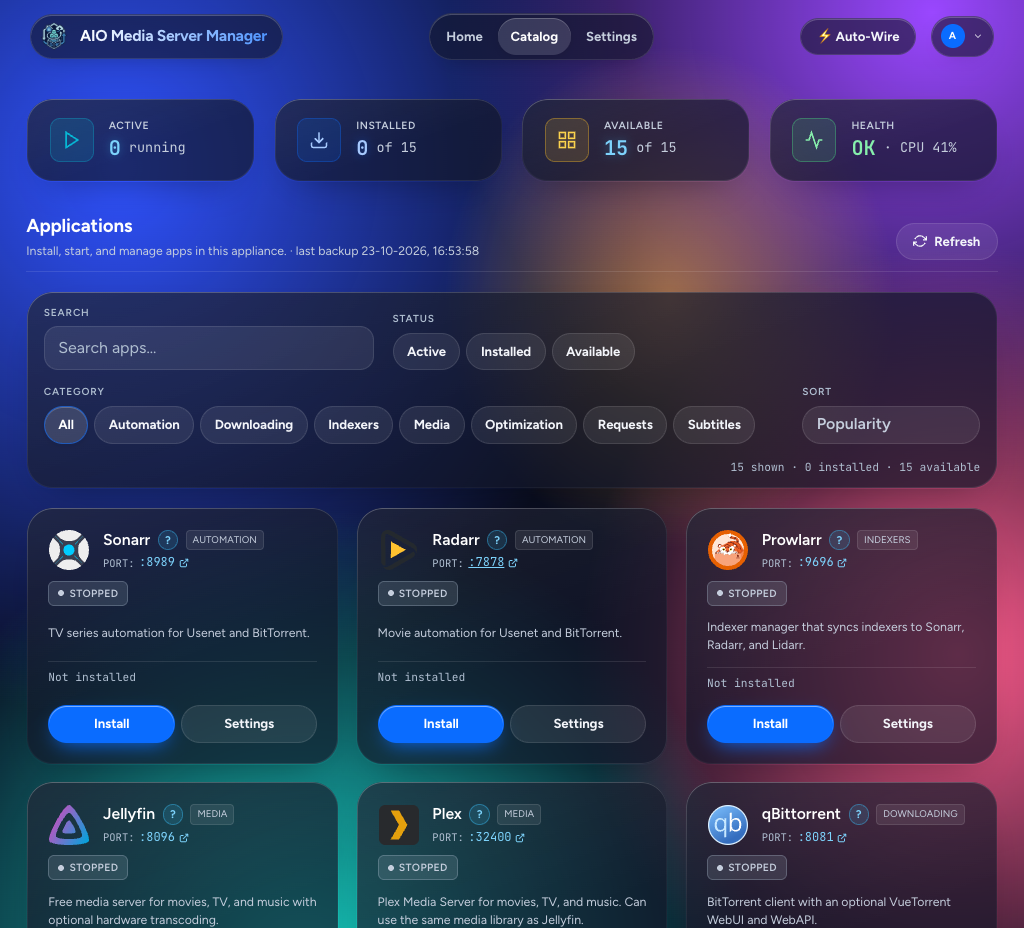
Catalog — search, filters, and install.
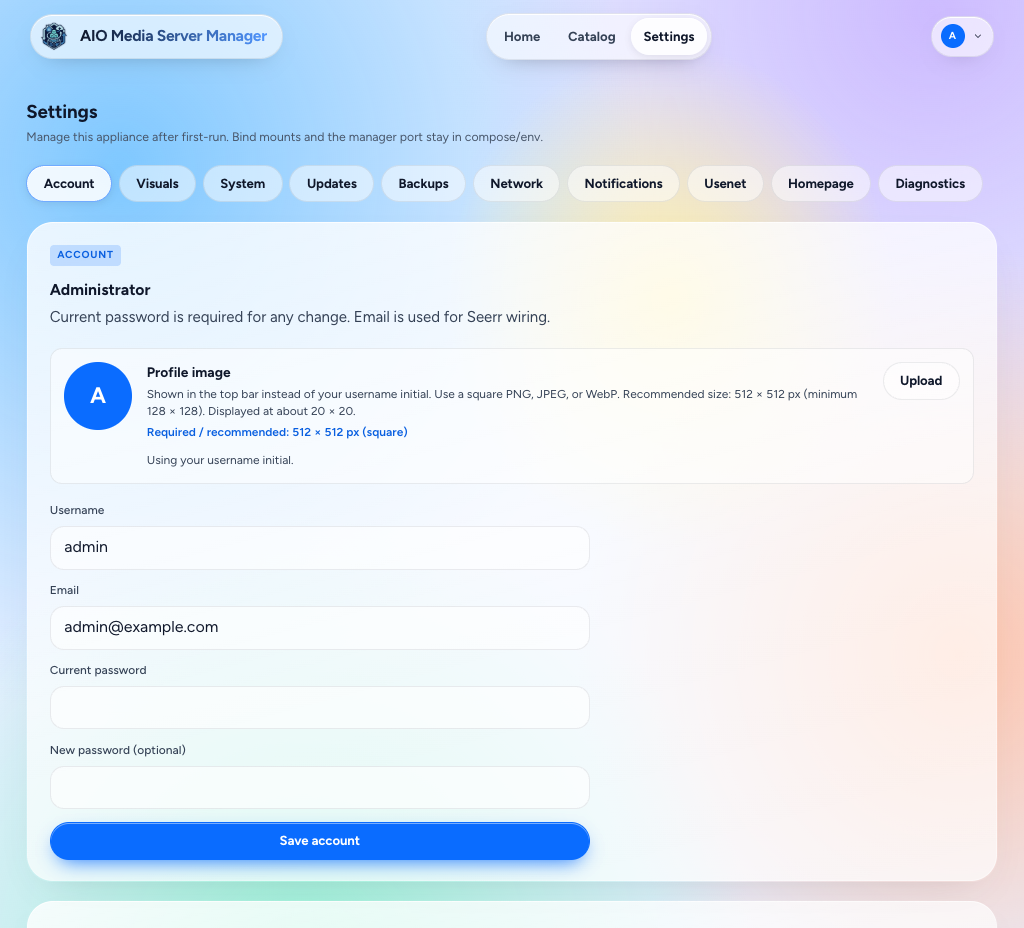
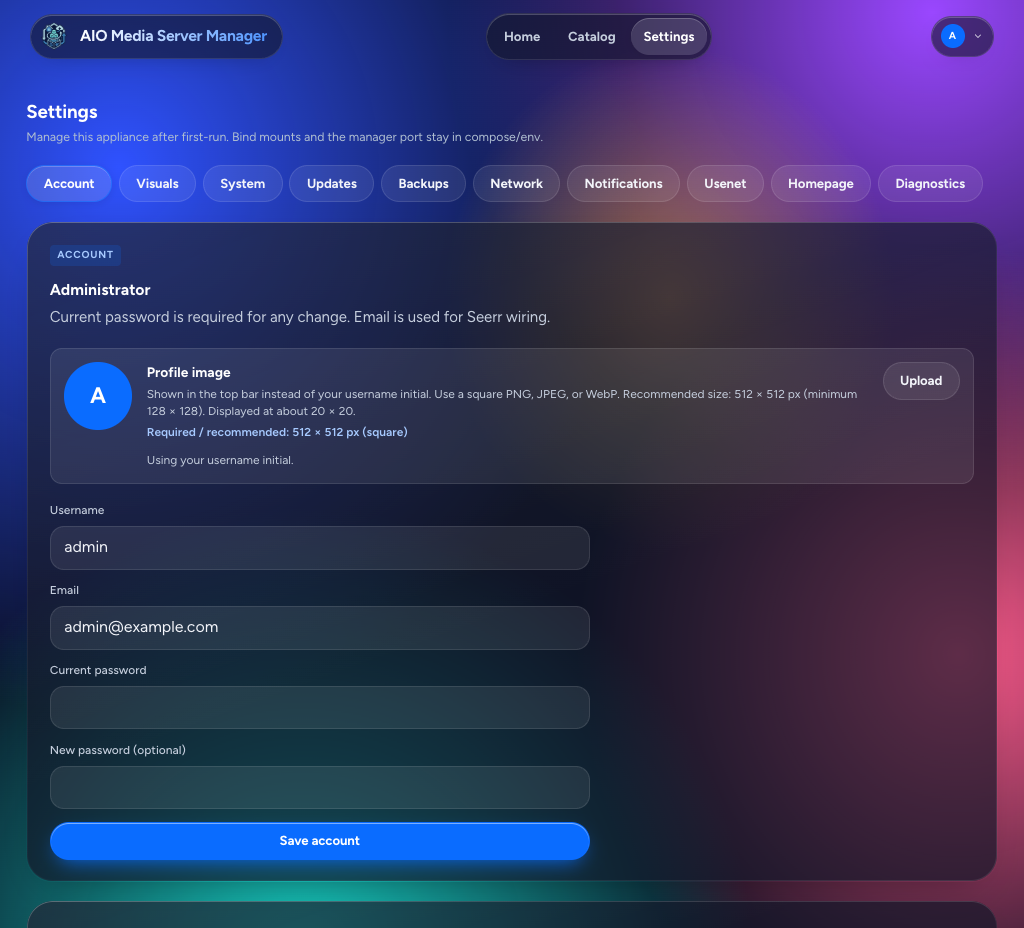
Settings. Visuals, catalog app settings, and the other sections are in Using the dashboard.
Start where you are
-
New here
Create folders, start the container, open the UI.
-
Already running
Home, Catalog, and each app's Open UI.
-
Docker host
The usual path for NAS boxes and Linux servers.
-
Away from home
HTTPS via Cloudflare Tunnel, then a login gate with Access.
Pick your platform
-
Unraid
One Community Applications–style container.
-
Synology
One Container Manager project.
-
TrueNAS
One custom app on SCALE.
-
Linux / LXC
Native install without Docker.
What you get
-
One dashboard
Home for what is new, playing, or needs a look. Catalog for install, start/stop, and Open UI.
-
Automation + libraries
Sonarr, Radarr, Lidarr, and Bazarr — when you want them.
-
Downloads
Torrents and Usenet clients, optional VPN on the download path.
-
Watch & request
Jellyfin, Plex, and Seerr — same appliance.
The one rule: one AIO install = one container (or one native service).
Do not add separate Sonarr/Radarr/qBittorrent containers next to it.
Intended use
AIO is a self-hosting management tool for a personal media library and a home lab:
- Files you own (home videos, family photos, public-domain media, or your own backups of physical media).
- Local network setup and server administration.
This repository does not host or distribute copyrighted content. It is not a licence or a legal shield. Using it to acquire, download, stream, or share unauthorized copyrighted material breaks copyright law in most places. You are responsible for following the laws where you live.
Vibe coded
Yes — this app was vibe coded.
It was built with AI pair-programming in Cursor, steered by a human who wanted a full media stack without babysitting twelve containers. That is intentional, not a secret.
If something is rough around the edges, open an issue or a PR. The vibes improve with feedback.
Image
ghcr.io/qballjos/aio-media-server-manager:latest
Works on linux/amd64 and linux/arm64. After a pull, recreate the container so new ports and runtimes apply.
Donate
🤖 AI writes some code. I break it. We fix it together.
Can’t spare a few bucks? Drop a star on GitHub instead. It feeds the ego, and that’s almost as good.